 Link Opener
One bookmark library for every browser and profile.
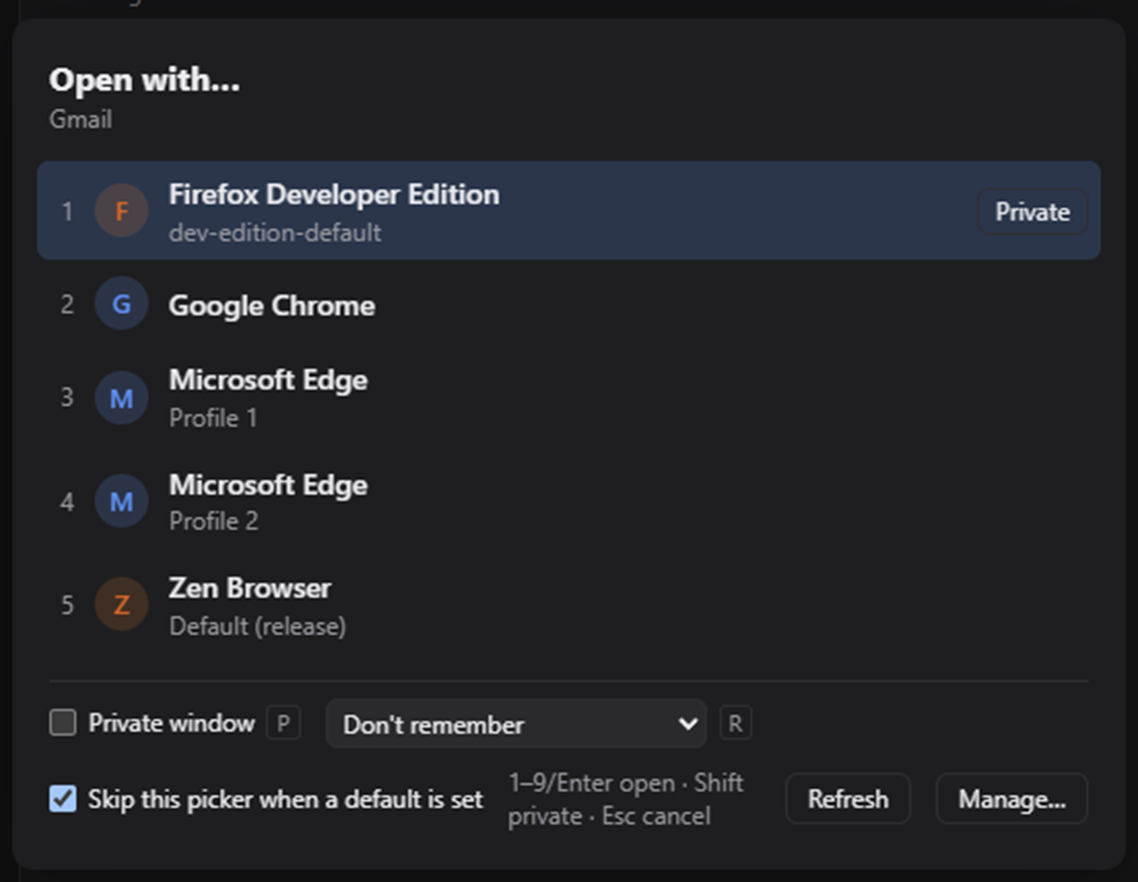
Save links once, outside your browsers. When you open one, Link Opener asks where it should go: which browser, which profile, private or not.
Your bookmarks are spread across every browser you use.
Work links sit in one profile, personal ones in another, client logins in a browser you rarely open. Link Opener gathers them in one place and sends each link to the right one.
Before
Bookmarks in several places
To find a link, you first have to remember where you saved it.
- Edge · Work
- Sprint board
- Expenses
- Firefox
- Recipes
- Bank
- Sprint board
- Chrome · Client
- Staging
With Link Opener
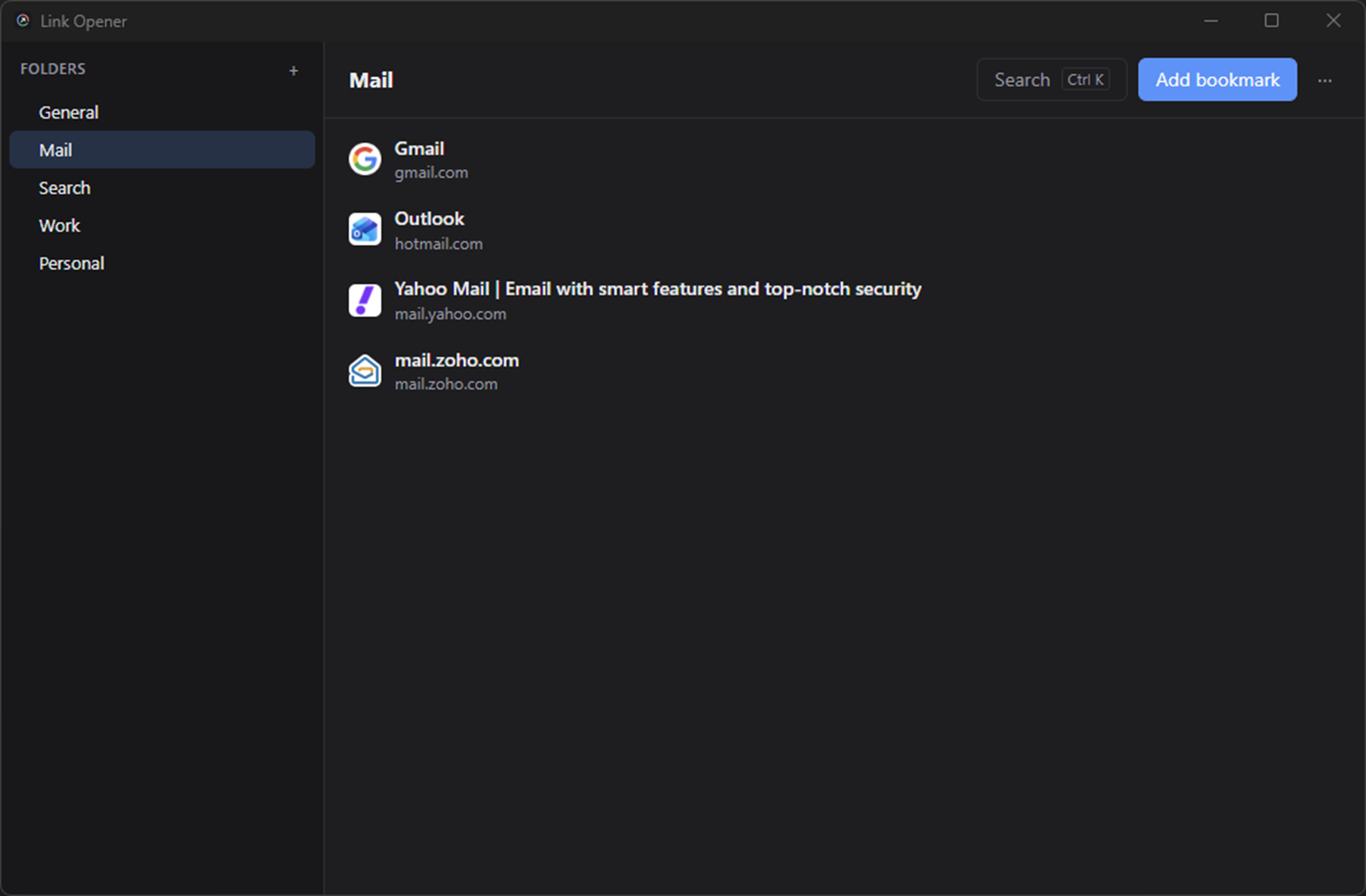
One library, opened in the right place
Each bookmark can remember its browser and profile, or ask every time.
- Sprint board→ Edge · Work
- Expenses→ Edge · Work
- Staging→ Chrome · Client
- Bank→ Firefox · Private
- RecipesAsk each time
How it works
Save a link
Paste or drag in a URL. The title and favicon are filled in for you.
Open it
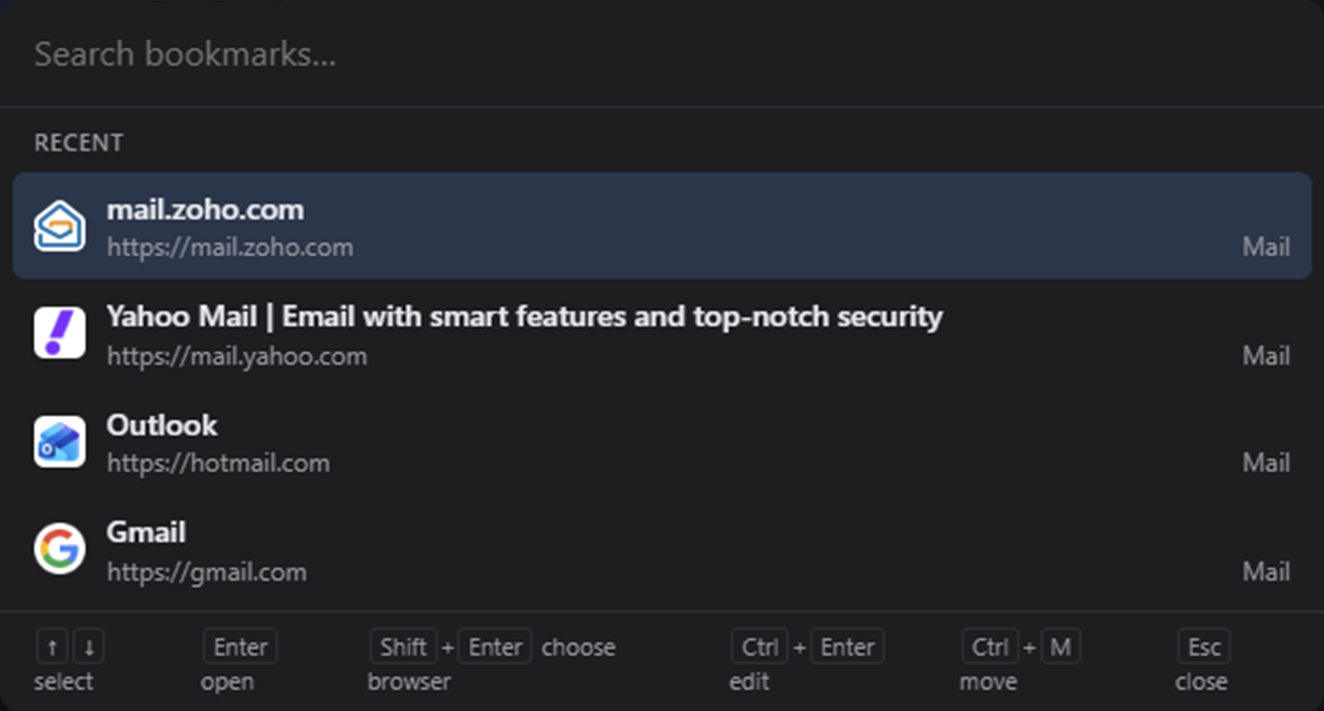
Click it in the library, or find it in a second with Ctrl/Cmd K.
Pick where
Press 1–9 to choose a browser and profile, or let the default you set for that bookmark or folder open it instantly.
Features
A small native app built with Tauri 2 and Svelte. No Electron bundle.
Browser picker
Choose the browser and profile for each link. Press 1–9 to pick; hold Shift for a private window.
Remembered defaults
Set a browser and profile per bookmark or folder so links skip the picker. Shift+click asks anyway.
Your browsers, your way
Chromium-family, Firefox-family and Safari browsers and profiles are found for you. Hide, rename or reorder them, and add any the scan misses.
One library
Folders, subfolders, tags and notes, outside every browser. Drag and drop, or use the keyboard “Move to…” dialog.
Instant search
Ctrl/Cmd+K searches titles, URLs, notes and tags as you type.
Always at hand
A global shortcut (Ctrl+Alt+Space by default), a tray icon and launch at login.
Titles and favicons
Fetched automatically when you add a link.
Backup and import
One-file backup and restore. Import from Chrome, Edge, Firefox or Safari bookmark files, and export a file any browser can import.
Built for the keyboard
Call it up from anywhere, find a link, pick a browser. Your hands stay on the keys.
- Ctrl+Alt+Space
- Show Link Opener from anywhere
- Ctrl/Cmd+K
- Search titles, URLs, notes and tags
- 1–9
- Open in the browser at that position
- Shift+1–9
- Open in a private window
- Shift+click
- Show the picker, even with a default set
Works with the browsers you have
Detected automatically. Profiles are read for Chromium-family and Firefox-family browsers.
- Chrome
- Edge
- Brave
- Vivaldi
- Chromium
- Opera
- Opera GX
- Blisk
- Firefox
- LibreWolf
- Zen
- Waterfox
- Safari
- + Any browser you add
Safari has no profiles or command-line private mode, so it opens as a single entry.
Your library stays on your computer.
Link Opener has no server of its own. There is nothing to sign up for.
This website has no analytics, cookies or trackers either.
No account, no tracking
No analytics or telemetry. The library is a local SQLite file.
Reads only what it needs
The browser list and profile names. Never history, passwords or cookies.
Never writes to your browsers
It reads each browser’s profile list but never writes to it.
Quiet on the network
It only contacts the pages you bookmark, to fetch their title and icon.
Open to inspection
The source is public, so anyone can check all of this.
Download Link Opener
Version 0.3.0. Every file is on the latest GitHub release.
Windows
Your system- Windows 10 and 11
- x64 and ARM64
- .msi.exe
macOS
Your system- Universal build
- Apple Silicon and Intel
- .dmg
Linux
Your system- Most distributions
- x64
- AppImage.deb.rpm
The installers aren’t code-signed yet. Windows SmartScreen and macOS Gatekeeper show a warning on first launch. On macOS, right-click the app and choose Open. On Linux with Wayland, set the global shortcut in your desktop’s own shortcut settings.
GPL-3.0-or-later
Free and open source
Written in Rust and Svelte on Tauri 2. Contributions are welcome, especially browser-detection fixes and testing on Linux and macOS.
Questions
Is it free?
Yes. Link Opener is free and open source under GPL-3.0-or-later.
Does it sync between computers?
Not yet. To move your library, make a one-file backup on one computer and restore it on the other.
Does it replace my browser’s bookmarks?
It’s an independent library. Your browser bookmarks stay where they are, and you can import them from Chrome, Edge, Firefox or Safari.
Why do I see a security warning?
The installers aren’t code-signed yet, so Windows SmartScreen and macOS Gatekeeper warn on first launch. On macOS, right-click the app and choose Open.